BUILD.CODE.COMPETE.
From your first robot to competition-ready in 10 weeks.
Rookie Academy is a structured learning path for new robotics teams. Learn mechanical engineering, Java programming, CAD and competition strategy — one practical week at a time.
What is FIRST Tech Challenge?
FIRST Tech Challenge (FTC) is an international robotics program where teams of students design, build and program robots to compete in a new game every season.
Teams work like small engineering companies: they plan, prototype, test, document and present their work. Matches are only part of it — judges also look at how a team thinks, collaborates and learns.
Matches are played by a red and a blue alliance of two teams each.
A square field built from 24-inch foam tiles.
Robots run pre-programmed routines with no driver input.
Drivers control the robot with gamepads (TeleOp).
General format shown. Game rules change every season — always check the current official Competition Manual.
How Rookie Academy works
Every week combines short lessons with real workshop tasks, so your team learns by building.
- 01
Learn
Read clear, illustrated lessons written for complete beginners, with key terms explained.
- 02
Practice
Do a hands-on exercise after each lesson — in the workshop, at the computer or on the field.
- 03
Check
Answer short knowledge checks and tick off the weekly completion checklist.
- 04
Deliver
Finish a team assignment every week that moves your robot and portfolio forward.
Explore the robot
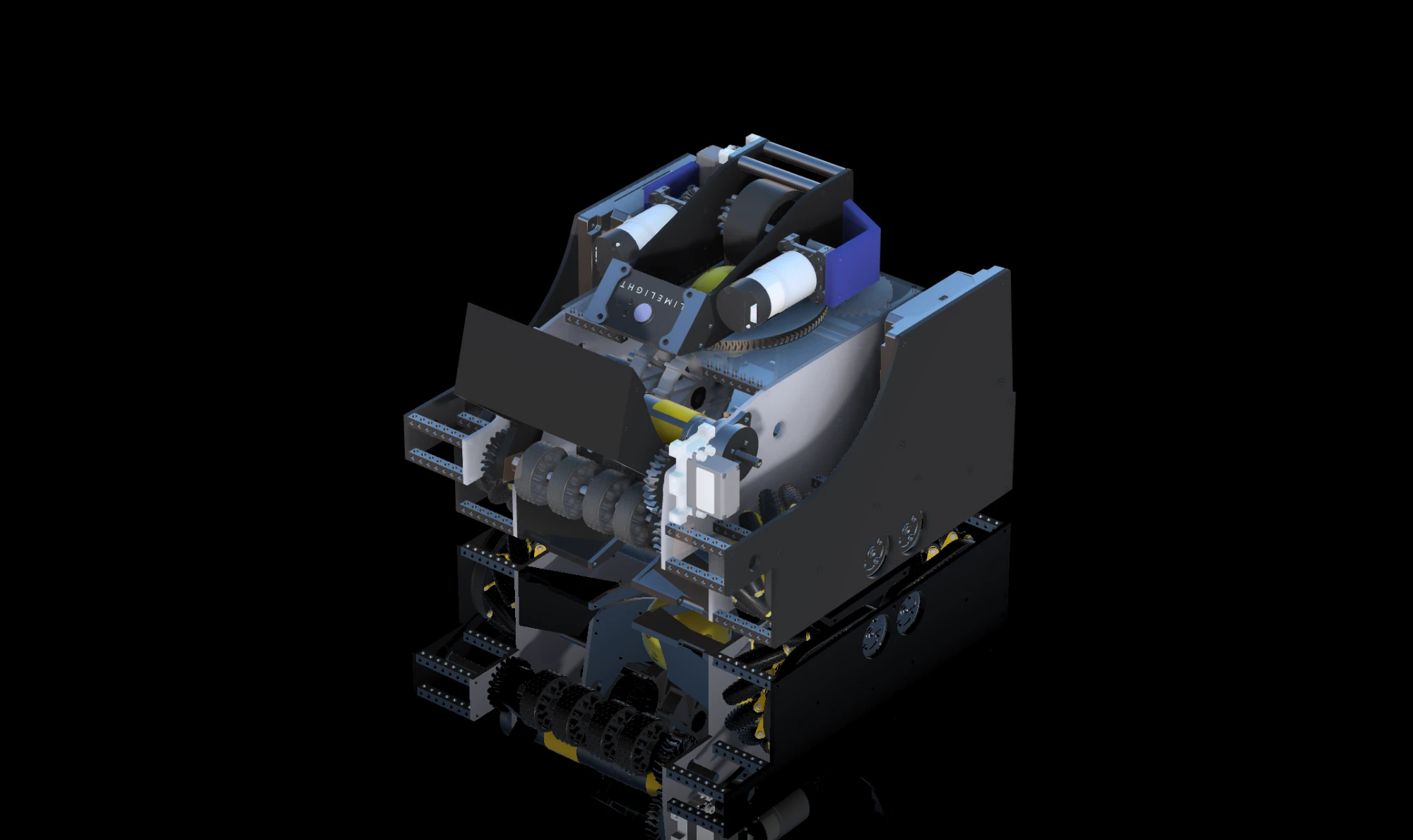
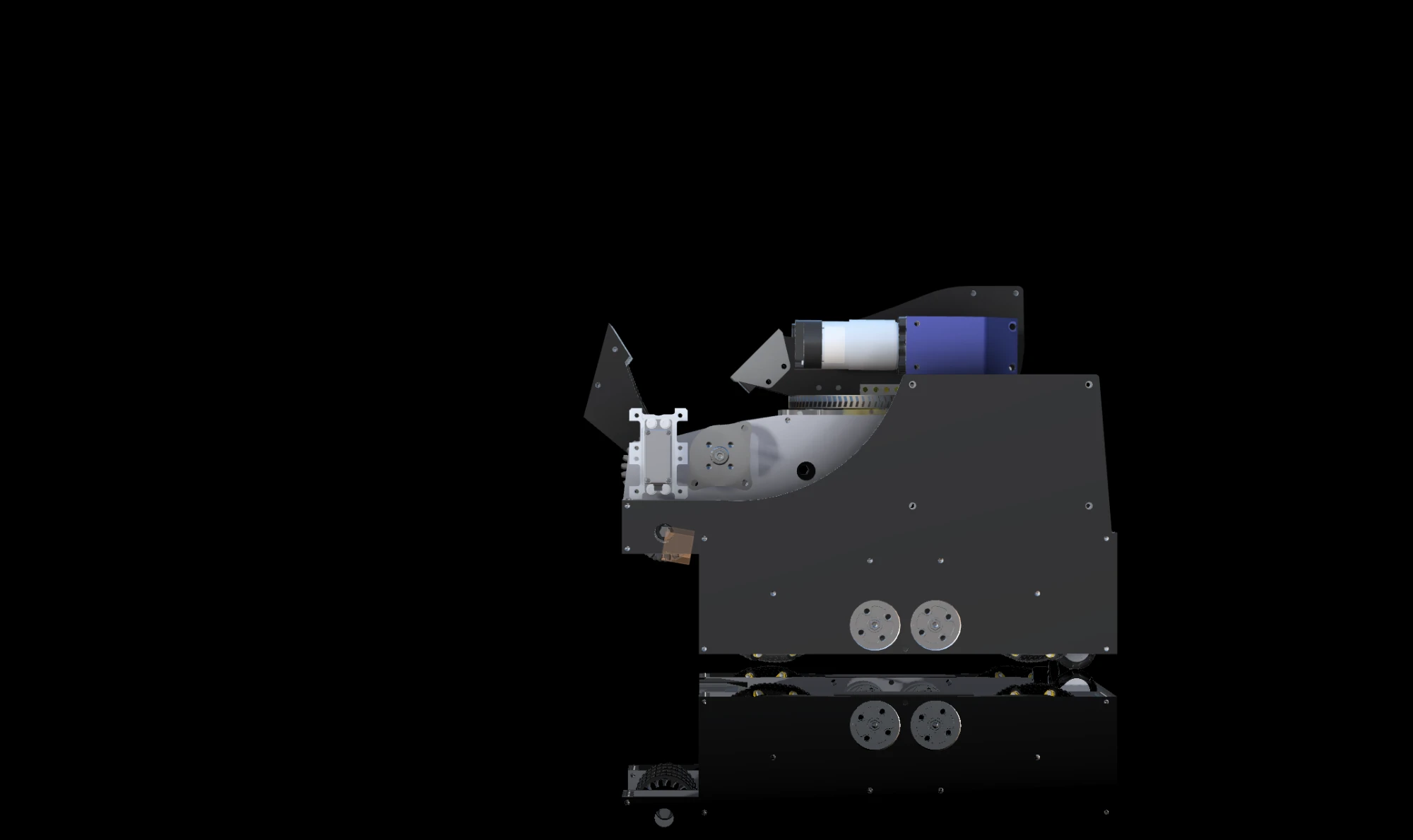
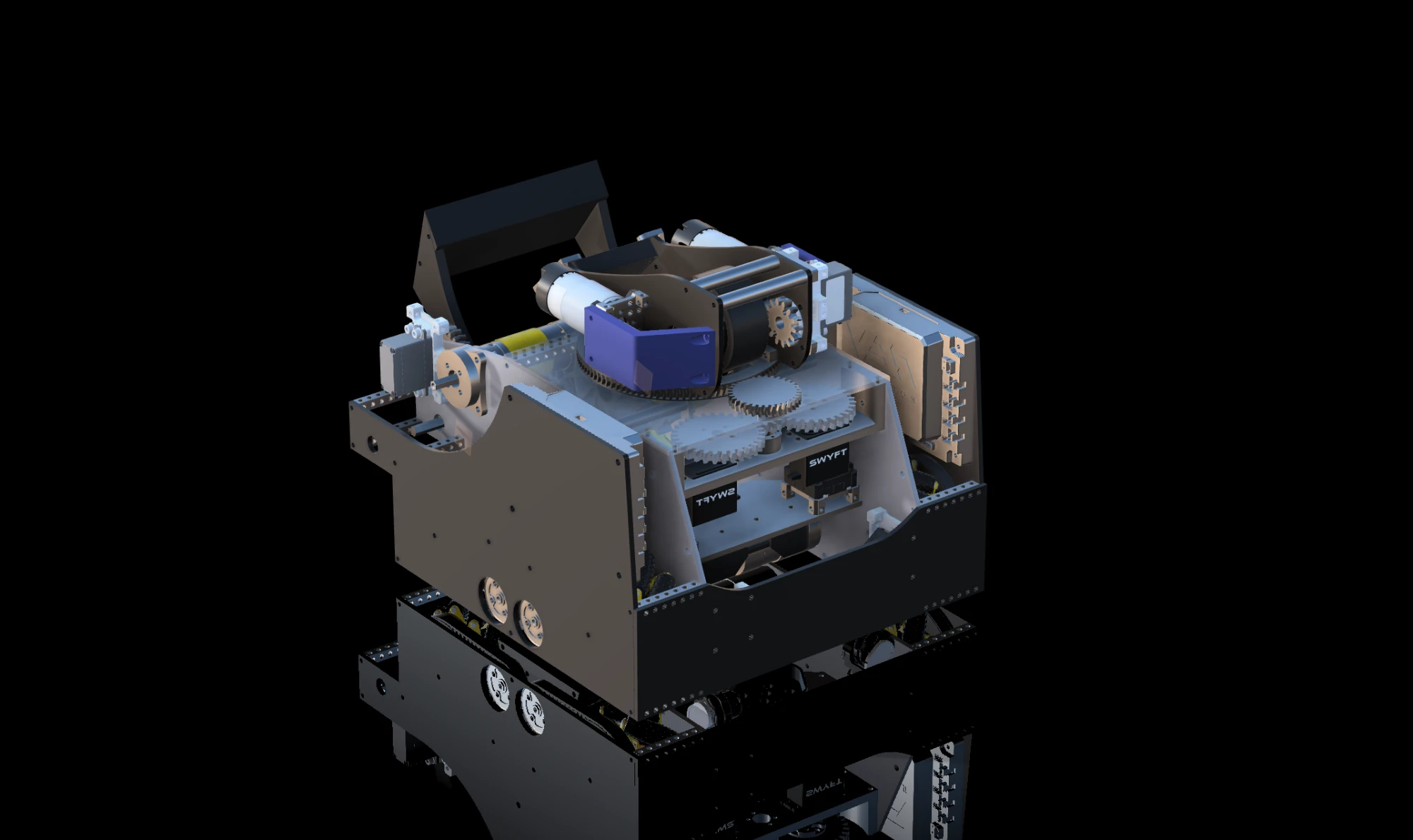
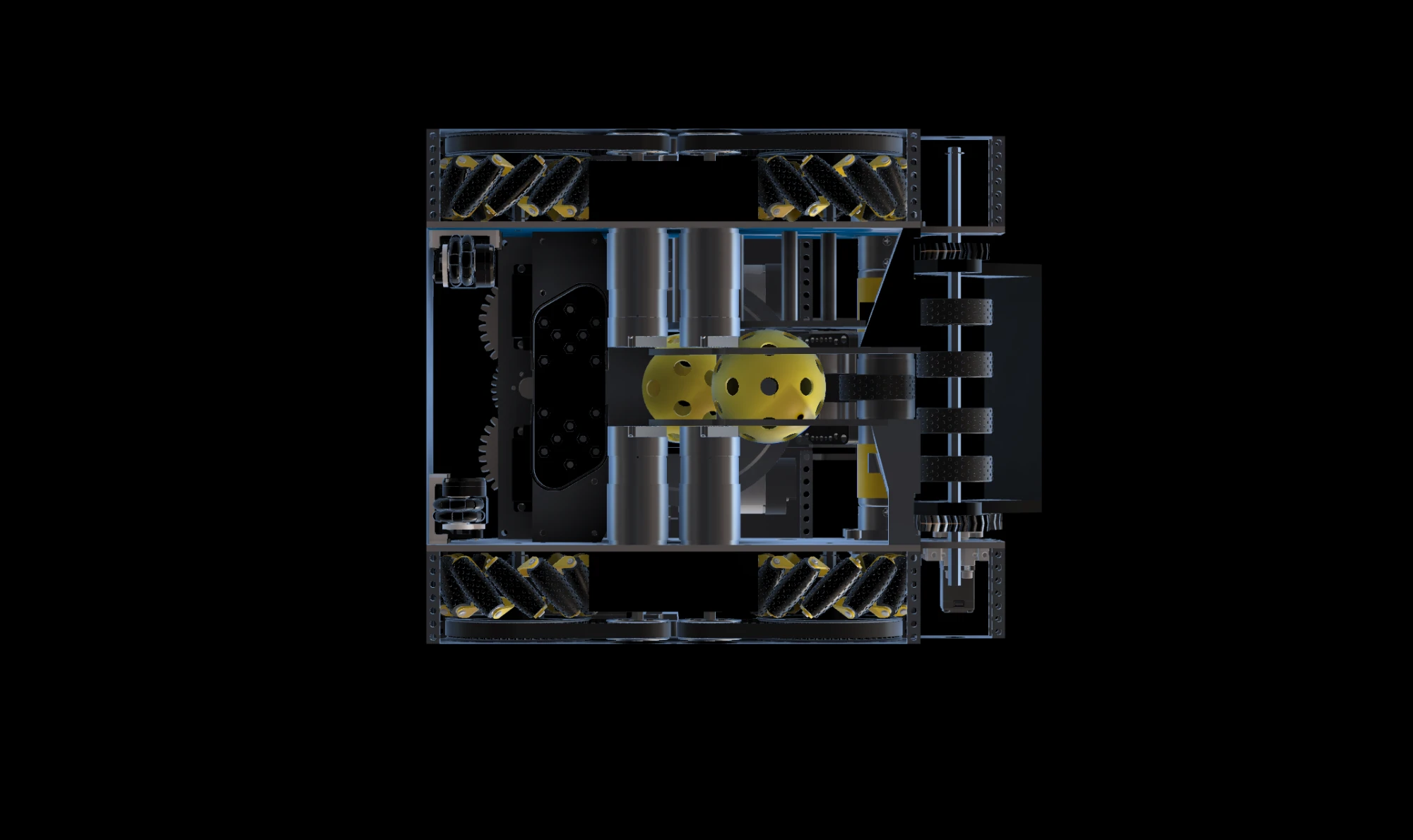
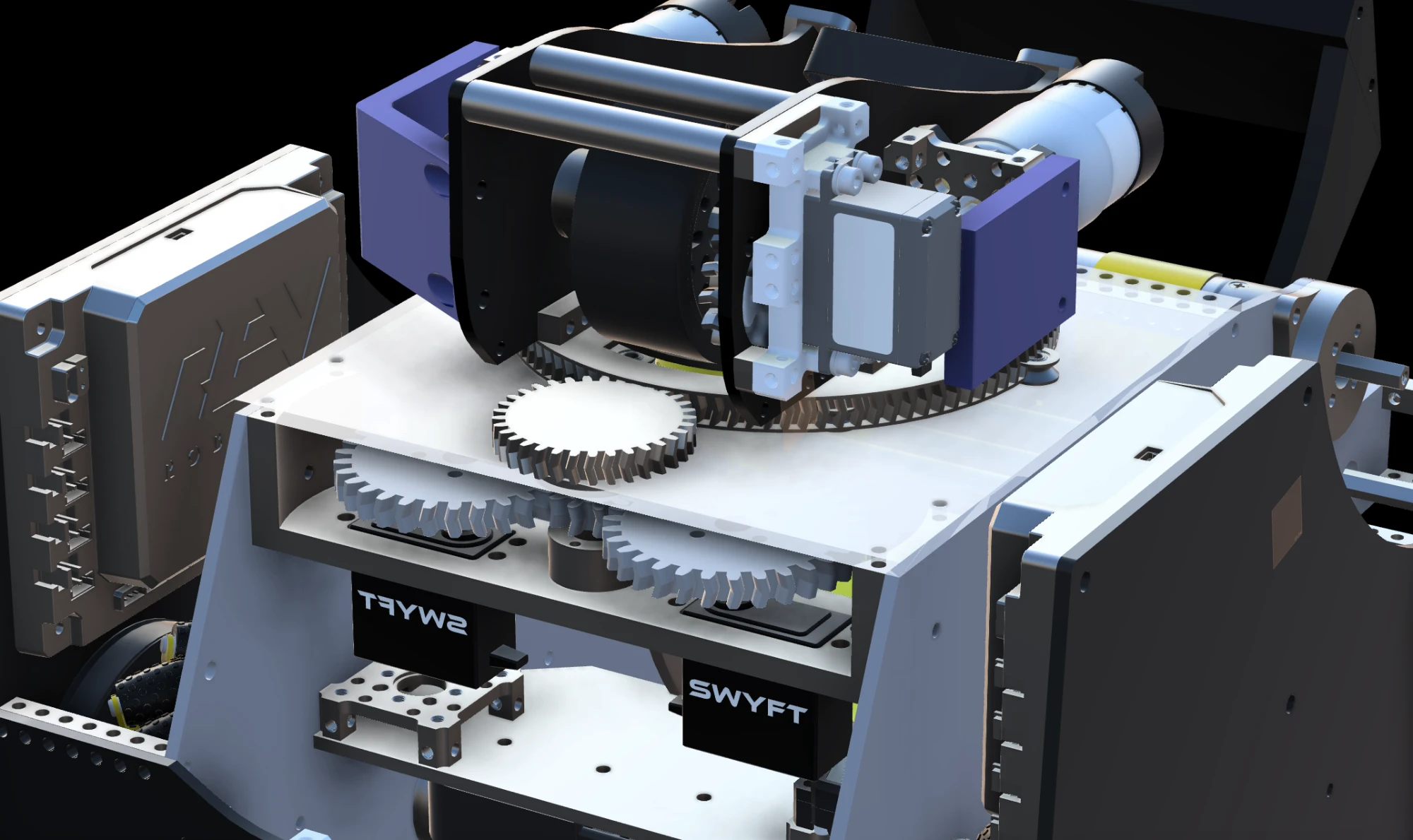
Every FTC robot is a system of subsystems. Select a part to see what it does — then open the Robot Lab to take the whole machine apart.
Control Hub
The robot's computer. It runs your code, powers motors and servos, and reads sensors.
- Has motor ports, servo ports and sensor ports (digital, analog and I²C).
- Contains an IMU that measures the robot's heading (rotation).
- Communicates wirelessly with the Driver Station that drivers hold.
Ten weeks. One robot. A real team.
The program moves from understanding to building to competing. Each week unlocks the next — but nothing is locked away.
Introduction to FIRST Tech Challenge
Learn the game behind the game: how FTC works and how a team works.
Understanding the Robot
Know every part before you build with it.
Building Your First Robot
From a box of parts to a chassis that drives straight.
Programming Fundamentals
From your first variable to a robot you can drive.
Autonomous Programming
Teach your robot to drive itself for 30 seconds.
CAD and Mechanical Design
Build it on screen before you build it in the workshop.
Advanced Mechanisms
Grab it, lift it, place it, every single time.
FTC Game Strategy
Play smarter: plan every second of the match.
Engineering Portfolio
Show how you think, not just what you built.
Final Robot Challenge
Put it all together, test it hard, and show what your team built.
What your team will learn
FTC rewards well-rounded teams. The curriculum covers every discipline a rookie team needs.
Mechanical
- Drivetrains
- Gear ratios
- Lifts & arms
- Reliable assembly
Programming
- Java & FTC SDK
- TeleOp controls
- Encoders & IMU
- Autonomous routines
CAD
- Onshape sketches
- Parts & features
- Assemblies
- Tolerances
Strategy
- Game analysis
- Match planning
- Driver practice
- Scouting
Portfolio
- Documentation
- Design decisions
- Testing data
- Judging interviews
Teamwork
- Team roles
- Planning
- Gracious Professionalism
- Communication
Engineering you can hold in your hands
Start with a solid drivetrain, then add mechanisms that collect, lift and score. You will learn why a gear ratio changes speed and torque, how to keep bolts from loosening, and how to test like an engineer.
- Chassis & drivetrain construction
- Motors, servos and gear ratios
- Intakes, lifts, arms and grippers
- Reliability and cycle testing
Drag to change the reduction
From gamepad input to autonomous precision
Write real Java with the official FTC SDK. Map your hardware, drive with gamepads, read encoders and the IMU, and build an autonomous routine that runs the same way every time.
- Java fundamentals for FTC
- Hardware mapping & TeleOp
- Encoders, IMU and feedback control
- Testing and debugging with telemetry
1@TeleOp(name = "Basic TeleOp")2public class BasicTeleOp extends LinearOpMode {3 @Override4 public void runOpMode() {5 DcMotor left = hardwareMap.get(DcMotor.class, "left_drive");6 DcMotor right = hardwareMap.get(DcMotor.class, "right_drive");7 right.setDirection(DcMotor.Direction.REVERSE);89 waitForStart();1011 while (opModeIsActive()) {12 double drive = -gamepad1.left_stick_y; // forward is negative13 double turn = gamepad1.right_stick_x;14 left.setPower(drive + turn);15 right.setPower(drive - turn);16 telemetry.addData("drive", drive);17 telemetry.update();18 }19 }20}Design it before you build it
Learn Onshape, the free browser-based CAD tool used by many FTC teams. Sketch, constrain, extrude and assemble real robot parts — and catch mistakes before they cost you metal.
- Sketches and constraints
- Extrudes, holes and fillets
- Assemblies and mates
- Tolerances for real parts
Win matches before they start
Read the game manual like an engineer, estimate what each action is worth, plan autonomous routes and practise as a drive team. The Strategy Lab gives you a field to draw on.
- Game and rules analysis
- Autonomous route planning
- Cycle times and scoring math
- Alliance coordination
Tell the story of your engineering
Judges want to see how you think. Document decisions, prototypes, tests and lessons learned in a structured portfolio — then export it as a clean PDF.
- Structured sections
- Images and evidence
- Team-shared entries
- Printable PDF export
Questions, answered
No. Week 1 assumes nothing. Every term is explained, and each lesson ends with a practical task you can actually do.
Build your first robot. Then build a team that keeps improving.
Create a free account, invite your teammates and start Week 1 today.